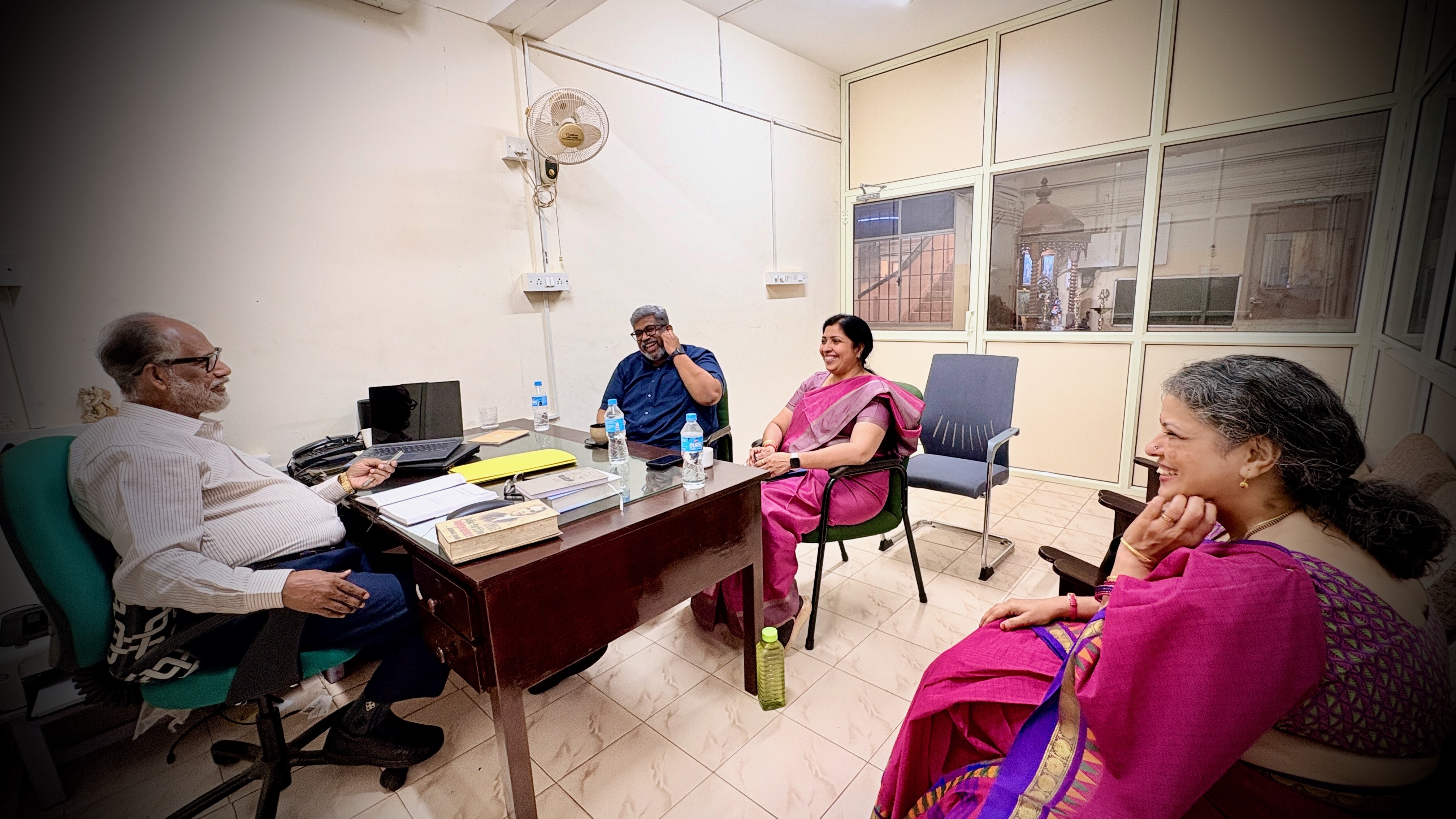
Smart classroom consultant discussing technology planning with school leaders in India

Smart Classroom Consulting for Schools in India

Build the classroom before you buy the technology.

C3 iT Xperts helps schools assess infrastructure, teacher workflow, classroom technology, software, professional development and support before major technology decisions are made.

C3 iT Xperts · Smart Classroom Consulting

The real test

A brighter blackboard is not a smart classroom.

We have walked into classrooms with excellent interactive displays where the technology had changed, but teaching had not.

Open a PDF.
Play a YouTube video.
Write on the screen.
Erase.
Repeat.

We do not judge a classroom by screen size, RAM, touch points or the number of ports. We look at what happens when a teacher walks into the classroom on Monday morning.

Can the lesson begin quickly? Can teachers find their content? Can students participate? Can work be saved and shared? Does the technology make teaching easier?

The hardware had changed.
Teaching had not.

What a consultant helps decide

What does a smart classroom consultant do?

A smart classroom consultant helps a school decide what classroom technology it actually needs, whether the existing infrastructure is ready, which display and teacher devices fit the teaching workflow, how software should connect, what professional development teachers need, and how the implementation should be phased and supported.

The objective is not simply to select equipment. It is to design a classroom system that teachers can use consistently and the school can support over time.

The complete system

The screen is only one part of the decision.

Successful classrooms bring several decisions together. Ignore one of them and even excellent hardware can deliver poor adoption.

01NetworkReliable Wi-Fi, internet, switching and classroom connectivity.
02Teacher deviceChromebook, laptop or OPS aligned to the teacher's actual workflow.
03Interactive displayCorrect size, mounting, visibility and classroom fit.
04SoftwareGoogle, Microsoft and teaching tools that work as one ecosystem.
05Professional developmentPractical classroom adoption rather than feature demonstrations.
06SupportDevice management, warranty, escalation and service turnaround.
Together = Smart Classroom That is why our consulting begins with the classroom, not the product catalogue. See our Smart Classroom Planning Guide.
School leadership team reviewing education technology planning with a consultant

Readiness before recommendations

We first understand the technology environment you already have.

Before recommending new technology, we assess the environment in which that technology has to work.

That means understanding classrooms, infrastructure, teacher devices, software, current teaching practice, IT capability, support and leadership expectations.

Sometimes our recommendation is: do not buy yet.

Fix the foundation first. It may delay procurement. It usually improves the outcome.

Compare interactive displays for schools in India

Smart Classroom Readiness

Ten areas we examine before a school scales.

Together, these ten areas show whether the school is ready to move from a technology purchase to a sustainable classroom implementation.

01Network

Wi-Fi coverage, bandwidth, switching and reliability.

02Classroom

Room size, viewing distance, mounting and electrical readiness.

03Teacher devices

Chromebooks, laptops, OPS and everyday workflow.

04Display technology

Existing and proposed classroom display environment.

05Software

Google, Microsoft and classroom software ecosystem.

06Teacher readiness

Confidence, current practice and training requirements.

07IT readiness

Management, maintenance and support capability.

08Leadership readiness

Goals, ownership, measurement and review.

09Student devices

Shared, group-based or 1:1 learning requirements.

10Support

Warranty, escalation and service turnaround.

The C3 approach

Five decisions. In the right order.

Each stage removes uncertainty before the school moves to the next investment decision.

01

Assess the school

Understand infrastructure, classrooms, devices, software, IT capability and teacher readiness.

Current state
02

Design the system

Build the architecture around how the school teaches, not around a vendor specification sheet.

Right-fit design
03

Validate before scaling

Let real teachers use the proposed solution in real lessons and identify friction before bulk procurement.

Classroom proof
04

Implement in phases

Move from foundations to classroom technology, student participation and advanced learning in a controlled sequence.

Controlled rollout
05

Drive adoption

Installation is not the finish line. Value begins when the technology becomes part of everyday teaching.

Everyday use

Adoption framework

Installation is
Day zero.

Teacher confidence becomes teaching practice over time. Measure the right behaviour at the right stage.

30Days

Confidence and initial usage

60Days

Workflow and lesson integration

90Days

Consistent adoption and teaching practice

Clear boundaries

What you will not get from us.

01

A specification-led recommendation

Specifications matter. But more RAM, touch points or features are not a strategy.

02

A showroom-only proof of concept

Technology should be tested inside classrooms, with teachers, during real lessons.

03

“Free training” disguised as a demonstration

Knowing where the buttons are is not professional development. Classroom adoption needs its own objective, structure and budget.

04

Technology for technology's sake

If the foundation is not ready, the right recommendation may simply be: fix that first.

Teacher adoption

A product demonstration explains features. Professional development changes practice.

Technology creates value only when teachers can confidently use it during everyday lessons.

Training therefore has to move beyond buttons and menus into lesson preparation, classroom workflow, collaboration, assessment and student participation.

Teachers should leave thinking:
“I can use this tomorrow.”
Educators participating in a professional development programme by C3 iT Xperts

Experience changes the questions

We begin with what must happen in the classroom every day.

Since 2007, that question has shaped how C3 iT Xperts helps schools plan, implement and adopt education technology.

11,000+Classrooms supported
50,000+Teachers enabled
500+Certified educators developed

Already have a quotation?

Get a Second View before you approve it.

We can review the displays, OPS, teacher devices, software, network, audio, professional development, warranty, support and rollout approach.

You may discover the proposal is exactly right. Or find what is missing before the money is spent.

A few hours spent reviewing the plan can influence thousands of lessons afterwards.

Review My Smart Classroom Plan

Consulting leadership

Smart Classroom Consulting led by Manoj Sundaram

Founder · C3 iT Xperts

Manoj Sundaram works with school leaders on education technology planning, classroom audits, technology selection, infrastructure readiness, teacher professional development and post-installation adoption. The consulting approach on this page is built around practical classroom use rather than product specifications alone.

Since 2007 11,000+ classrooms supported 50,000+ teachers enabled 500+ certified educators developed
Connect with Manoj on LinkedIn

Questions schools ask

Frequently Asked Questions

What is smart classroom consulting?

Smart classroom consulting helps schools plan the complete technology environment before implementation, including infrastructure, displays, teacher devices, software, professional development, support and adoption.

Does C3 iT Xperts supply smart classroom equipment?

Yes. C3 iT Xperts can consult, design, supply, integrate and support classroom technology. Consulting helps ensure the equipment is selected around the school's actual requirements.

Which interactive flat panel size is suitable?

A 65-inch display may suit smaller classrooms with around 20 learners. A typical 450–500 sq ft classroom with up to around 40 students often benefits from a 75-inch display. Larger rooms may require 86 or 98 inches. Viewing distance and layout must also be assessed.

Does every interactive display need an OPS computer?

No. The decision depends on teacher workflow and the school's software environment. Windows applications may require a Windows OPS or teacher laptop, while Google-focused environments may be better suited to Chromebook or Chrome-based workflows.

Why is teacher professional development important?

Installation alone does not create adoption. Teachers need practical professional development that helps them use technology during everyday lessons rather than simply understand product features.

Can C3 review another vendor's quotation?

Yes. A Second View can examine the proposed technology, infrastructure, software, professional development, warranty, support and rollout plan before a purchase decision.

Should a school conduct a proof of concept?

For larger deployments, yes. A proof of concept involving real teachers and real lessons provides far better evidence than a showroom demonstration.

Can you audit smart classrooms already installed?

Yes. C3 iT Xperts can identify gaps in infrastructure, classroom technology, software, teacher workflow, professional development and support.

Before procurement

Make sure the classroom is ready for the technology.

Plan the complete environment before committing to hardware that teachers may use for the next five to seven years.