.png?width=1322&height=350&name=C3ITXperts-logo-R%20(1).png "C3ITXperts-logo-R (1)")


Planning to buy an interactive flat panel for your school?
Let us begin with the price, but not end there.
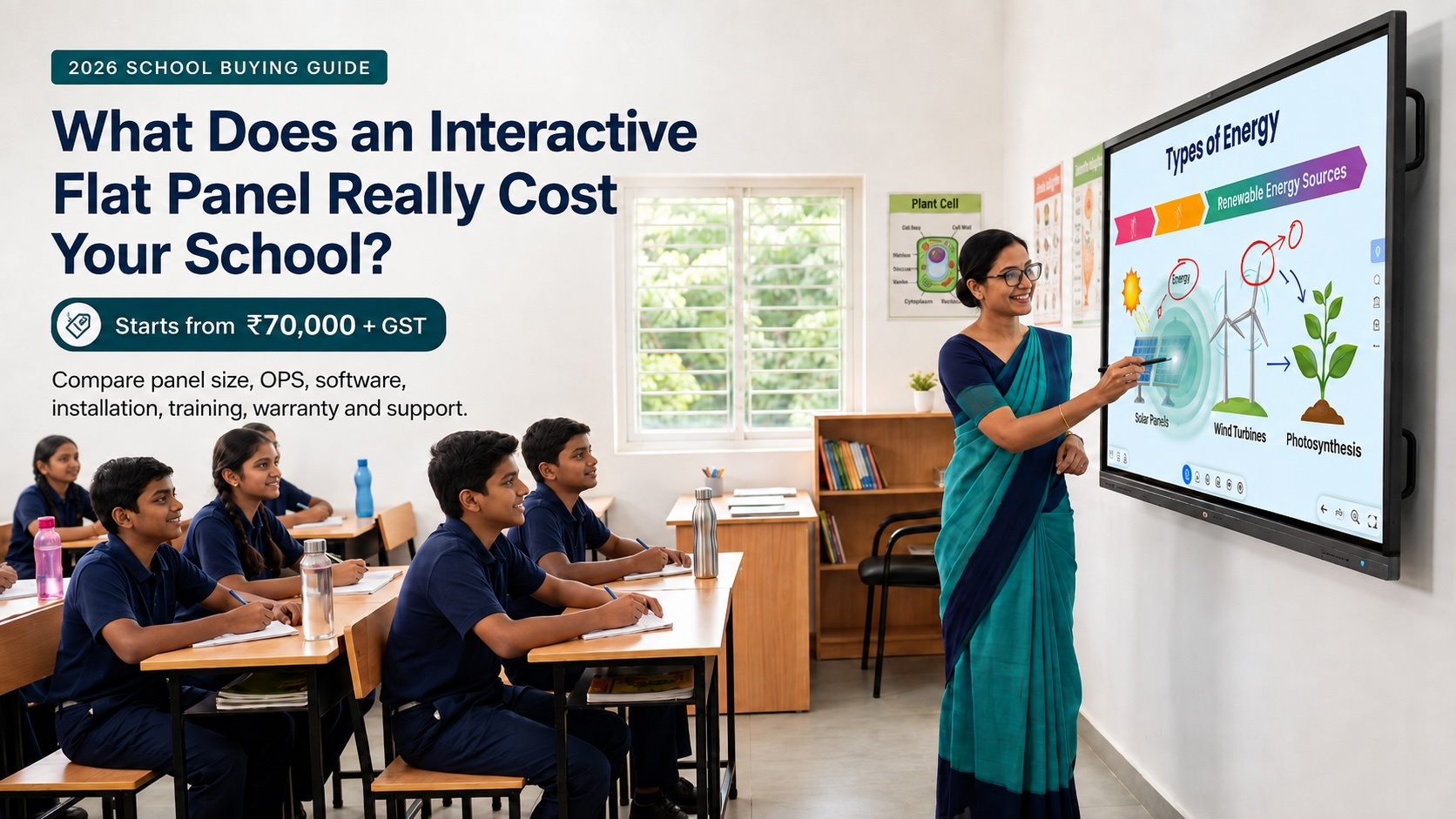
A basic 65-inch interactive flat panel in India may start at approximately ₹70,000 + GST. A more complete 65-inch classroom-ready solution may cost around ₹1.20 lakh plus GST or more, depending on the computer, software, installation, mounting, warranty, teacher training, and support included.
The most important question is not only:
What is the price of the panel?
It is:
Are we buying only an interactive display, or are we buying a complete teaching system?
That difference can determine whether the panel is used every day or gradually becomes an expensive video screen.
If you are still deciding which panel, size, or operating system fits your school, start with our Interactive Flat Panels for Schools in India guide before comparing prices.
What School Leaders Need to KnowChoose 65 inches for smaller rooms and groups of around 20 students. Choose 75 inches for many standard classrooms of approximately 450–500 sq. ft. Consider 86 inches or larger for wider rooms, larger classes, and longer viewing distances. Do not select a panel only by specifications. Test the software, teacher workflow, Google or Microsoft integration, service support and professional development plan. Run a two-week classroom proof of concept before approving a large purchase. Watch out for low quotations. They may exclude the OPS, installation, software, infrastructure work, training and warranty.
|
Interactive flat panel price range in India
The following are broad 2026 planning ranges, not final quotations. Actual prices may vary by brand, city, specifications, software, accessories, quantity, GST, freight, installation, warranty and support.
| Panel size | Indicative price range | Usually suitable for |
|---|---|---|
| 65-inch | ₹70,000 to ₹90,000 | Smaller classrooms and groups of around 20 students, depending on room layout |
| 75-inch | ₹95000 to ₹1.25 lakh | Many standard classrooms of approximately 450–500 sq. ft., subject to viewing distance |
| 86-inch |
₹1.40 lakh to ₹2 lakh |
Larger or wider rooms, halls and classes with more than 40 students |
Before comparing quotations, ask every vendor to separate the display price from the cost of the complete classroom solution.
Buying tip: Confirm whether each quoted amount includes GST, freight, mounting, installation, OPS, software licences, training and support. These items can change the final cost significantly.
What Size Interactive Flat Panel Does a School Need?
Choosing the wrong panel size is one of the most common—and expensive—mistakes school leadership can make. A display that is too small forces students in the back rows to squint at font sizes and complex diagrams, while an oversized panel in a compact space causes visual fatigue and unnecessary budget drain.
To select the right panel size, look past basic student counts and evaluate total room square footage (sq. ft.) and maximum viewing distance.
Classroom & Hall Sizing Matrix (65" to 110")
| Panel Size | Recommended Room Area | Ideal Setting & Application | Max Effective Viewing Distance |
|---|---|---|---|
| 65 Inch | 250 – 300 sq. ft. | Small activity rooms, huddle spaces, staff rooms, and specialized learning labs. | Up to 15 feet |
| 75 Inch | 300 – 500 sq. ft. | Standard K-12 primary and secondary classrooms (35–45 students). | Up to 20 feet |
| 86 Inch | 500 – 600 sq. ft. | Large classrooms, senior secondary labs, and wide learning spaces. | Up to 25 feet |
| 98 Inch | 600 – 800 sq. ft. | Large lecture rooms, executive conference rooms, and combined section classrooms. | Up to 30 feet |
| 105 Inch (21:9 Ultra-Wide) | 800 – 1,000 sq. ft. | Modern hybrid learning spaces, immersive classrooms, and Microsoft Teams / Zoom rooms. | Up to 35 feet |
| 110 Inch | 1,000 – 1,200 sq. ft. | School auditoriums, multi-purpose halls, and large campus seminar centers. | 35+ feet |
Practical Rules for School Leaders
- The 4-6-8 Viewing Rule: Calculate the distance from the screen to the furthest desk. For detailed mathematical notation or complex diagrams, the screen height should be roughly 1/6th to 1/8th of the distance to the last row of students.
- Consider Aspect Ratios (16:9 vs. 21:9): While standard 65" to 98" panels use the traditional 16:9 aspect ratio, larger 105" displays often come in ultra-wide 21:9. This allows teachers to run side-by-side content (such as a digital whiteboard next to a live video feed or document reader) without shrinking the active workspace.
- Ceiling Height Constraints: Before committing to 98" or larger displays, verify wall height. Large panels mounted on standard stands or walls require adequate clearance so the bottom of the screen remains visible above students' heads without hitting ceiling fixtures or projectors.
C3 iT Xperts Perspective: Never buy display sizes based on a single vendor recommendation. Conduct an on-site infrastructure and sightline audit to test text readability from the furthest corner of the classroom before finalizing specs.
Panel price versus complete classroom price
A low advertised price may cover only the panel and a few basic features.
A panel-only quotation may include:
- Interactive display
- Android operating system
- Basic whiteboarding software
- Built-in speakers
- Standard ports
- Basic manufacturer warranty
A complete classroom solution may also include:
- Windows or Chrome OPS computer
- Teaching and learning software
- Wall mounting
- Installation and cabling
- Network preparation
- Electrical protection
- Teacher training
- Professional development
- Camera and microphone
- Extended warranty
- On-site technical support
This is why two quotations for the same panel size can look very different. One may be a screen price; the other may be the cost of a complete teaching system.
Price is only one part of the decision. Compare screen size, EDLA, Windows OPS, installation, teacher workflow, and support in our interactive flat panel buying guide for schools.
Compare quotations line by line. Do not compare only the final number.
Five Questions to Ask Every Vendor
When school leaders start evaluating interactive flat panels, vendor sales pitches often sound identical: high 4K resolution, ultra-responsive touch points, long-lasting glass, and endless feature lists.
However, hardware specifications rarely determine whether a smart classroom succeeds or fails; the operational ecosystem around the board does.
Before signing a vendor purchase order or accepting a lowest-bid quotation, ask every vendor these five essential questions to protect your investment:
1. "Is this quotation a panel-only price, or a complete classroom solution?"
Why it matters: A baseline quote of ₹70,000 may seem budget-friendly, but it often excludes essential operational components: the OPS computer, wall-mounting bracket, concealed cabling, electrical protection, software licenses, delivery freight, and installation.
What to listen for: The vendor should provide a line-item breakdown separating the raw display cost from the complete infrastructure, installation, and deployment fees.
2. "What software ecosystem is included, and will it incur recurring annual licensing fees?"
Why it matters: An interactive display without a reliable, intuitive software ecosystem is little more than a giant television screen. Some vendors bundle trial-version teaching software that locks your school into expensive yearly renewals per panel after Year 1.
What to listen for: Demand clarity on whether the teaching software is licensed per panel or per teacher, whether updates are free for life, and how seamlessly it integrates with your existing Google Workspace for Education or Microsoft 365 workflow.
3. "Does your proposal distinguish between installation setup and 90-day pedagogical training?"
Why it matters: A 90-minute demo on how to turn on the board and change pen colors is product training, not professional development. Without sustained adoption support, teachers default back to whiteboards within weeks due to live-lesson anxiety.
What to listen for: Look for vendors that provide structured, ongoing teacher enablement—moving from basic operation on Day 1 to confidence in daily lesson delivery, pulse checks, and interactive activities by Day 90.
4. "What is your guaranteed turnaround time for on-site service support if a display fails?"
Why it matters: In a school environment, a broken screen interrupts daily teaching routines. A standard "carry-in" manufacturer warranty is useless when a 75-inch panel needs to be dismounted, boxed, and shipped to a service center.
What to listen for: Ensure the contract specifies on-site service level agreements (SLAs), local technician availability within 24–48 hours, and provision for a temporary standby replacement panel for long repairs.
5. "Can we conduct a 4-to-6 week in-classroom Proof of Concept (PoC) before committing to a full rollout?"
Why it matters: Showroom demonstrations are designed to impress in controlled environments. A real classroom test reveals how the panel handles daily student use, room lighting, Wi-Fi stability, and existing lesson plans.
What to listen for: Reliable vendors will gladly support a single-classroom pilot so your teachers and IT staff can validate real-world performance before approving a bulk purchase order.
C3 iT Xperts Perspective: If a vendor hesitates to break down line-item software licensing, refuses on-site SLA terms, or pushes hardware without an adoption strategy, consider it a major red flag.
Why do interactive flat panel prices vary so much?
Two panels may both offer 4K resolution, touch input, Android, speakers, HDMI, USB and wireless casting. One may cost ₹ 90000 while another costs ₹1.25 lakh.
The difference may come from what is included around the screen:
- The quality and responsiveness of the touch experience
- Teaching and whiteboarding software
- OPS computer and operating system
- Software licence terms and future updates
- Installation quality
- Warranty coverage
- Service response time
- Teacher training and professional development
- Integration with Google or Microsoft tools
- Network, electrical and audio requirements
A low-cost panel may allow a teacher to display a PDF, play a video, write on the screen and mirror a laptop. A more complete system may also help teachers build activities, use subject applications, save lesson notes, share resources, reopen previous lessons and support remedial learning.
A useful comparison is coffee: two cups may both be called coffee, but the ingredients, preparation, service and experience may be very different. Interactive panels are similar. The hardware matters, but the teaching experience around it matters just as much.
What is usually included in an ₹70,000 panel?
A panel in this price range may include:
- Interactive flat panel display
- Android operating system
- Basic whiteboarding application
- Built-in speakers
- Standard connectivity ports
- Manufacturer warranty
Bundles vary by brand and supplier. Schools should never assume that mounting, installation, software, OPS, training or support are included. Ask the vendor to list every item separately.
1. Windows or Chrome OPS computer
An OPS is a computer that fits inside the interactive flat panel. It can allow the panel to work like a full computer without connecting a separate laptop every time.
An OPS may include its own:
- Processor
- RAM
- Storage
- Operating system
- Wi-Fi
- Network connection
When might a school need a Windows OPS?
A Windows OPS may be useful for:
- Desktop teaching software
- Specialist subject applications
- Simulation tools
- Existing Windows workflows
- Advanced presentation tools
- Full desktop browser features
Android may be sufficient for basic whiteboarding, web use and media playback. However, schools should not assume that every teaching application will work well on Android.
What about schools using Google Workspace?
Schools that depend heavily on Google Workspace may consider a Chrome OPS. This is different from using the mobile version of Chrome inside the panel’s Android system. A Chrome OPS may provide a fuller browser and Google ecosystem experience.
The correct choice depends on the applications teachers actually use. A structured EdTech consultation can help the school match its applications, infrastructure and teaching goals to the right platform.
C3 iT Xperts perspective: Do not choose Android, Windows or Chrome because a salesperson says one platform is better. Choose the platform that runs the school’s real teaching tools reliably.
2. Mounting and installation
Check whether the quotation includes:
- Wall-mounting kit
- Installation
- Commissioning
- Cabling
- Cable concealment
- Delivery
- Freight
Some classrooms may also need:
- Wall strengthening
- A movable stand
- New power sockets
- Safe cable routes
- Network points
- Furniture changes
A low panel quotation can become more expensive when the installation team discovers that the classroom is not ready. Conduct a room and infrastructure audit before finalising the purchase.
3. Teaching software and licences
Software is often the biggest difference between panels with similar hardware specifications.
Ask the vendor:
- Who developed the software?
- Is it developed by the panel company or a third party?
- How often is it updated?
- Is it included for life?
- Does it require yearly renewal?
- Is it licensed per teacher or per panel?
- Can teachers save and reopen lessons?
- Can content be shared with students?
- Does it connect with Google Classroom?
- Does it work with Microsoft tools?
- What happens if the software supplier changes its product?
Most panel brands now offer similar headline specifications. The software ecosystem often determines whether teachers enjoy using the panel or avoid it.
C3 iT Xperts perspective: A panel without a reliable software ecosystem may be little more than a 4K touch display.
4. Teacher training is not professional development
This is where many schools lose value from their technology investment.
A vendor may install the panel and conduct a half-day session. Teachers may learn how to:
- Switch on the panel
- Use the remote
- Open the whiteboard
- Change the pen colour
- Erase writing
- Connect a laptop
- Close an application
That is product training. It is useful, but it is not enough.
Professional development helps teachers understand how to:
- Design an interactive lesson
- Use digital resources without slowing the class
- Improve questioning
- Involve students
- Use simulations
- Save and share learning
- Connect the panel with student devices
- Use technology for assessment
- Support different learners
Technology should remain in the background. Teaching should remain in the foreground. A teacher should not be trying to remember how to close an application while 40 students are waiting.
Day 7 versus Day 90
A one-time training session may be forgotten quickly. A structured professional development programme, supported by follow-up and classroom practice, can help build adoption over the first 90 days.
Teachers need time to become confident, adapt lesson routines, share examples and solve practical problems. This is why the proposal should distinguish between installation training and continuing teacher enablement.
C3 iT Xperts perspective: Half-day training starts the process. Structured professional development helps sustain it.
Is hardware only 20% of a smart classroom project?
Schools often spend most of their buying discussion on the panel. However, the panel is only one part of a smart classroom programme.
A useful way to evaluate the project is to consider the full system:
- Leadership direction
- Teacher readiness
- Professional development
- Software
- Lesson planning
- Classroom workflows
- Network quality
- Electrical readiness
- Technical support
- Implementation and adoption
C3 iT Xperts often explains this using a simple principle: hardware is only one part of the outcome; people, purpose, process and implementation determine whether the investment creates value.
If you want to use the “20% hardware, 80% implementation” statement in published content, support it with your own project evidence or describe it as a working model rather than a universal industry statistic.
Start with the classroom, not the quotation
Many schools begin with one question:
What is your lowest price?
That may be the wrong starting point. Before asking for products, speak with teachers, academic coordinators, school leaders, and IT teams.
Ask:
- How are lessons taught today?
- Which digital tools are already used?
- Does the school use Google Workspace or Microsoft 365?
- What slows teachers down?
- Do teachers need to save lesson notes?
- Do students use devices?
- Are hybrid lessons required?
- Which subjects need simulations?
- What training do teachers need?
- What support is expected after installation?
The panel should support the teacher’s workflow. Teachers should not be forced to rebuild every effective method simply because a new panel has entered the classroom.
The biggest mistake: choosing the lowest quotation
Many schools collect three or four quotations, compare the total amount and select the cheapest one. This looks financially responsible, but it can create a more expensive outcome later.
The lowest quotation may leave out:
- OPS computer
- Teaching software
- Professional development
- Electrical protection
- Network upgrades
- Extended warranty
- Fast track technical support
- Classroom implementation
C3 iT Xperts has worked with schools where low-priced panels displayed content and included basic whiteboarding, but teachers could not save, share or move content back into the school’s learning ecosystem.
Teachers wrote on the screen, erased the work and moved to the next class. The interactive panel had become a brighter blackboard.
The issue was not necessarily that teachers disliked technology. The technology was creating friction.
When the workflow was redesigned, teachers could access content quickly, bring images and videos into lessons, save their work, share resources and support revision more easily.
People do not always resist technology. They often resist extra work.
What size interactive flat panel does a school need?
Do not choose panel size only from a brochure. Consider:
- Room dimensions and width
- Number of students
- Viewing distance
- Distance to the last row
- Seating arrangement
- Type of content displayed
- Teacher movement
- Viewing angles
65-inch interactive flat panel
A 65-inch panel may suit:
- Smaller classrooms
- Small-group rooms
- Training rooms
- Personalised learning spaces
- Classes with around 20 students, depending on the layout
75-inch interactive flat panel
A 75-inch panel may suit many standard classrooms. It can be a practical option for rooms of approximately 450–500 sq. ft., depending on the layout, student count and viewing distance.
86-inch or 98-inch interactive flat panel
A larger panel may be suitable when:
- The room is wide or larger than 500 sq. ft.
- The class has more than 40 students
- The last row is far from the display
- The room is used as a hall
- The space supports collaboration or training
Do not buy the largest panel simply because it looks impressive. Buy the size students can comfortably see from the last row.
Do not get distracted by brochure specifications
Interactive panel brochures may highlight:
- 8 GB RAM
- 128 GB storage
- 40 or 50 touch points
- AI recognition
- Smart writing
- Gesture tools
Some features are useful. Others may have little effect on daily teaching.
A wall-mounted 75-inch panel is only wide enough for a few students to stand in front of it comfortably. In most classrooms, three or four learners may work at the screen together. A very high touch-point count may be more useful when a panel is placed horizontally like a table, rather than mounted on a classroom wall.
Ask vendors to show how each feature improves a real lesson.
Prioritise:
- Reliable touch response
- Clear viewing from the last row
- Fast wake-up
- Easy switching
- Smooth file handling
- Low-friction software
- Platform compatibility
- Reliable updates
- Strong support
Conduct a two-week proof of concept before buying
A salesperson’s demonstration takes place in ideal conditions. A school’s proof of concept should take place in real classrooms with real teachers and real lessons.
Select a mixed teacher group
Include:
- Teachers who are confident with technology
- Teachers who need some support
- Teachers who are hesitant about technology
Do not test only with the most enthusiastic teachers. That can create an unrealistic result.
Test the complete workflow
Include:
- Whiteboarding
- Content creation
- File handling
- Cloud connections
- Lesson delivery
- Student interaction
- Saving and sharing
- Subject applications
Record daily reflections
Ask teachers:
- What worked?
- What slowed the class?
- What was confusing?
- What engaged students?
- What tools were missing?
- Would you use this every day?
- What training is still required?
Score the solution
Evaluate:
- Ease of use
- Touch performance
- Software
- Classroom fit
- Content workflow
- Google or Microsoft integration
- Teacher confidence
- Student engagement
- Support
- Overall value
The return on investment is not decided on the purchase day. It begins to reveal itself during the proof of concept.
Hidden costs schools often forget
Network readiness
The panel may need strong Wi-Fi, a wired network, suitable access points, secure access, content filtering and sufficient internet capacity. Content should load at the speed of the teacher’s thought.
Electrical readiness
Check:
- Dedicated sockets
- Earthing
- Voltage stability
- Surge protection
- UPS requirements
- Safe cable routes
Electrical problems can damage panels and interrupt teaching. Power protection should be included in the project plan, not treated as an afterthought.
Warranty and support
Confirm the standard warranty, exclusions, response time, spare-parts availability and on-site service. Ask whether a standby unit is available if a panel fails.
An extended warranty may be worth considering for a multi-classroom deployment, but the cost and coverage should be stated clearly.
Audio
Built-in speakers may be enough for a small room. A larger or noisy classroom may need:
- Additional speakers
- Amplifier
- Teacher microphone
- Student microphone
Camera and microphone
Hybrid learning or recording may require:
- USB camera
- Tracking camera
- Ceiling microphone
- Wireless microphone
Software licences
Check whether applications require yearly renewal. Include future licence costs in the total project budget.
How long does an interactive flat panel last?
A good interactive flat panel can remain useful for many years when it is installed correctly and protected from electrical, environmental and physical damage.
C3 iT Xperts has panels installed from around 2018 that were still operating in schools in 2026. This is useful field experience, but it should not be presented as a guarantee that every panel will last eight years.
Actual lifespan depends on:
- Product quality
- Installation
- Electrical protection
- Room conditions
- Physical handling
- Software support
- Maintenance
- Service availability
Ask the vendor about parts availability, software support and a realistic replacement plan.
Do schools need AI features in the panel?
AI is now common in panel brochures. Some tools may:
- Recognise handwriting
- Search selected text
- Convert shapes
- Generate content
- Display information quickly
These features may be useful, but an impressive demonstration does not always create a better lesson.
Teachers help students explore, discuss, question, and understand. School leaders should ask:
How will this AI feature improve the teacher’s lesson or the student’s learning?
Wider tools such as Gemini and Gemini Notebook may also be useful when connected to clear teaching goals, teacher guidance, and verified learning resources.
Do not buy a panel because “AI” is printed on the brochure. Buy it because the complete system supports teaching.
Five questions to ask every vendor
- What teaching ecosystem comes with the panel?
Ask for a demonstration using a real lesson. - Will it work with our existing digital platform?
Test Google Workspace, Google Classroom, Microsoft 365 and other school tools. - What professional development is included?
Installation training is not enough. - What happens if the panel fails?
Ask about response times, technician visits, spare parts and standby equipment. - How will you support teachers after installation?
Look for refresher sessions, usage reviews, teacher engagement and implementation support.
A school does not need only a panel supplier. It needs a partner who understands teaching, technology and implementation.
Red flags in an interactive panel quotation
Be cautious when a vendor:
- Talks only about price
- Focuses mainly on hardware
- Cannot explain the teaching software
- Has no professional development plan
- Has no education experience
- Avoids a classroom proof of concept
- Cannot explain support response times
- Has no software roadmap
- Promises that one feature will transform learning
A panel does not transform learning by itself. Implementation does.
Interactive flat panel or projector?
Interactive flat panels combine:
- Display
- Touch
- Whiteboarding
- Speakers
- Device connectivity
- Applications
- Wireless sharing
They can avoid common projector problems such as shadows, lamp replacement, washed-out images, alignment issues and separate touch systems.
Schools with working projectors do not need to replace them immediately. However, when planning a new classroom or replacing ageing equipment, compare the total teaching experience and total ownership cost—not only the purchase price.
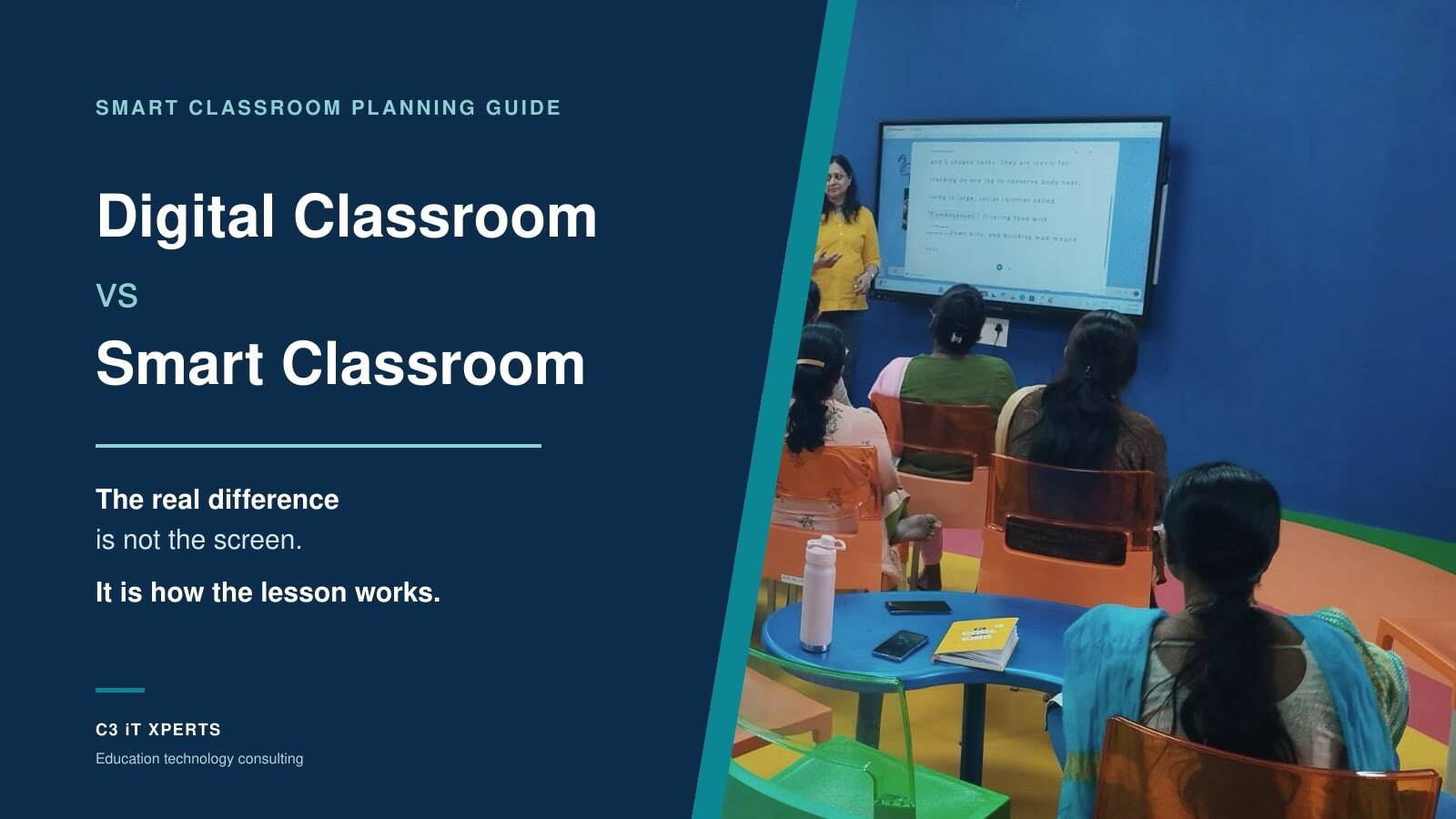
Digital classroom versus Smart classroom
A digital classroom has technology.
A smart classroom has a teaching system.
A digital classroom may include a display, computer, internet, speakers and digital content. A smart classroom also connects those tools to:
- Teacher practice
- Student participation
- Lesson goals
- Assessment
- Collaboration
- Professional development
- School strategy
The goal is not to put more screens inside the school. The goal is to make teaching and learning more effective.
Read the full guide on planning a smart classroom for Indian schools.
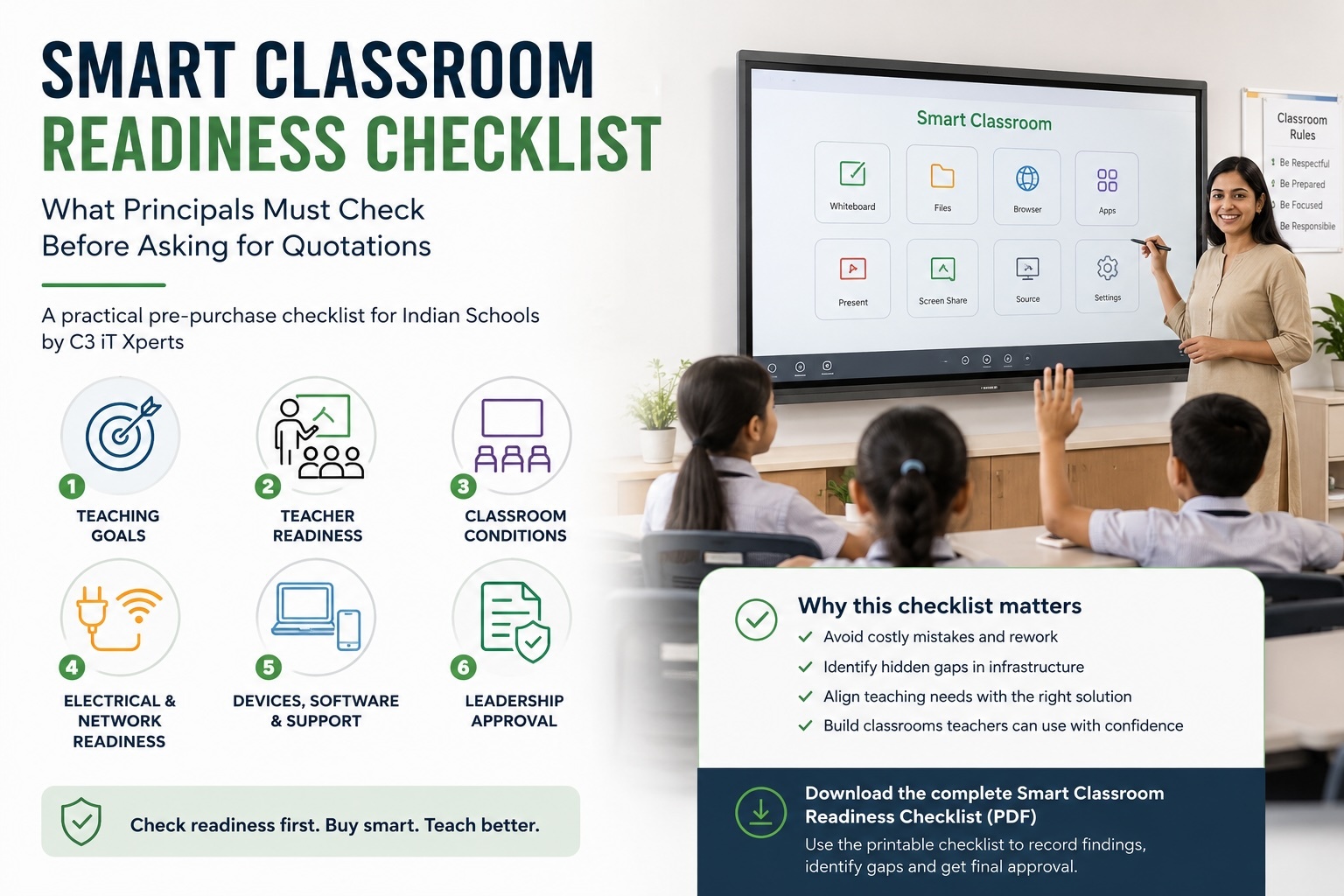
Interactive flat panel quotation checklist
Before approving a quotation, confirm whether it includes:
- Correct panel size
- Interactive display
- Android operating system
- Windows or Chrome OPS, if required
- Teaching software
- Software licence terms
- Wall mount
- Installation and commissioning
- Cabling
- Freight and delivery
- Electrical protection
- Network work
- Speakers
- Camera and microphone, if required
- Product training
- Professional development
- Standard warranty
- Extended warranty option
- On-site support
- GST and delivery charges
Compare each quotation line by line. Do not compare only the final amount.
Final recommendation
An interactive flat panel may start at approximately ₹70,000 plus GST, but the lowest-priced panel is not automatically the best value.
The right solution should:
- Fit the classroom
- Support teacher workflows
- Connect with the school ecosystem
- Work with low friction
- Include reliable support
- Provide a clear software roadmap
- Improve the student learning experience
Before approving the purchase, test the complete system with teachers in real classrooms.
Ask one final question:
Do you want the panel to become a truly interactive teaching system or merely a large video display?
Get an independent interactive panel quotation review
Already received quotations from panel vendors? C3 iT Xperts can review them before your school approves the purchase.
We can help identify:
- Missing cost items
- Software gaps
- Incorrect panel sizing
- OPS requirements
- Network and electrical risks
- Training gaps
- Warranty concerns
- Support risks
- Total classroom cost
C3 iT Xperts can also support your school with:
- Classroom technology consultation
- Teacher and stakeholder requirement analysis
- Room and infrastructure audit
- Panel-size recommendations
- Vendor comparison
- Proof-of-concept planning
- Quotation review
- Teacher professional development
- Implementation support
Do not compare only the screen price.
Find out what your school will actually be able to teach, save, share and support after installation.
Click here to request an independent quotation review
About the Author

Manoj Sundaram
Founder @ C3 iT Xperts
I help K–12 leaders turn "dusty" classroom tech into a daily teaching habit. 18 years and 11,000 classrooms have taught me that the best tech is the tech that "disappears" into the teaching rhythm.
18+ Years Experience
11k+ Classrooms
50k+ Educators Impacted
4. Frequently Asked Questions
What is the starting price of an interactive flat panel in India?
A basic 65-inch interactive flat panel may start at approximately ₹70,000 plus GST. The final price depends on the brand, software, OPS, installation, warranty, training and support.
How much does a 65-inch interactive flat panel cost?
A basic 65-inch panel may start at around ₹70,000. A more complete classroom solution may cost approximately ₹1.20 lakh plus GST or more.
How much does a 75-inch interactive flat panel cost in India?
A 75-inch interactive panel may broadly cost between ₹90000 and ₹1.25 lakh, depending on the brand, software, OPS, warranty, and accessories.
What is the price of an 86-inch interactive flat panel?
An 86-inch panel may broadly cost between ₹1.40 lakh and ₹2 lakh or more. The final amount depends on the complete bundle and installation requirements.
Is a Windows OPS required with an interactive flat panel?
It depends on the applications used by the school. A Windows OPS may be useful for desktop teaching software, specialist subject applications and existing Windows workflows.
Is Android enough for classroom use?
Android may be enough for basic whiteboarding, web use and media. Schools using advanced applications should test their complete workflow before deciding.
Is a 65-inch panel enough for a classroom?
A 65-inch panel may suit smaller rooms or classes of around 20 students. Larger classrooms may need a 75-inch or 86-inch panel, depending on viewing distance and seating layout.
How long does an interactive flat panel last?
A quality panel can remain useful for many years when installed correctly and protected from electrical and physical damage. Some panels may remain operational for eight years or longer, but actual life varies by product, usage, maintenance and service support.
Why is teacher professional development important?
Product training teaches teachers how to operate the panel. Professional development helps them use the technology to improve lesson design, engagement, collaboration and learning outcomes.
Should schools buy the lowest-priced interactive panel?
Not without testing the complete solution. The lowest quotation may exclude software, OPS, training, warranty, installation, infrastructure work and support.
Can C3 iT Xperts review an existing quotation?
Yes. Schools can approach C3 iT Xperts for an independent quotation review and recommendation before making a final decision.
- School leaders guide,
- Interactive Flat Panel India,
- Classroom Technology ROI,
- Education Technology India,
- Interactive flat panel price
.jpg)